The problem
Why your notifications arrive late
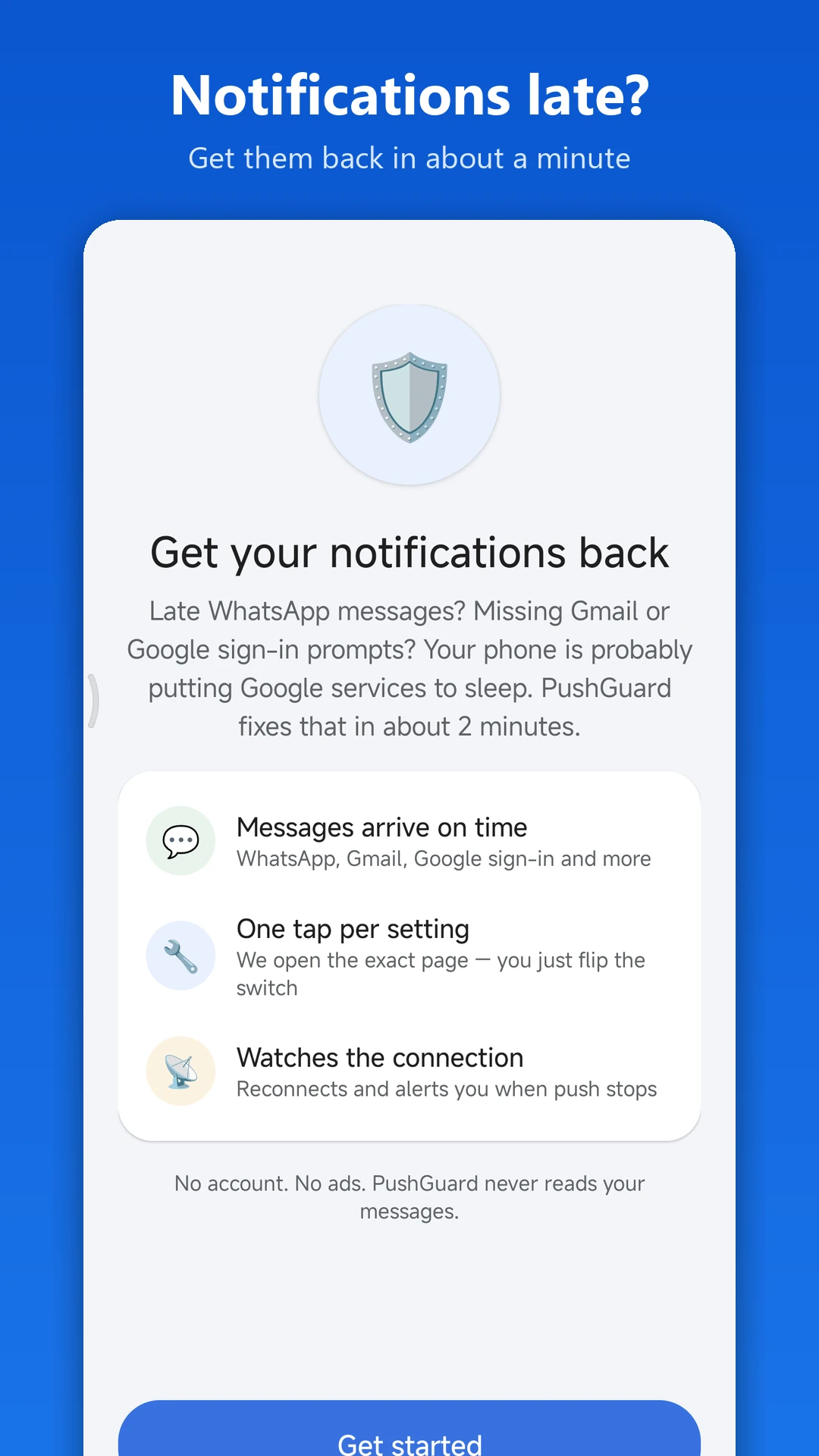
To save battery, many phones – especially Xiaomi, Redmi and POCO with HyperOS or MIUI, and China-ROM phones – freeze Google Play services and your apps in the background. When that happens, the push connection that delivers WhatsApp, Gmail and Google sign-in notifications goes quiet, and messages only show up when you open the app.
Messages arrive late
WhatsApp shows nothing until you open it, then everything pops in at once.
Email shows up hours later
Gmail and other mail apps stop syncing while the screen is off.
Sign-in prompts never appear
"Is it you trying to sign in?" from Google doesn't pop up, so logins fail.
How it works
Fixed in three simple steps
No technical knowledge needed. PushGuard tells you exactly what to tap, then opens the right settings page for you.
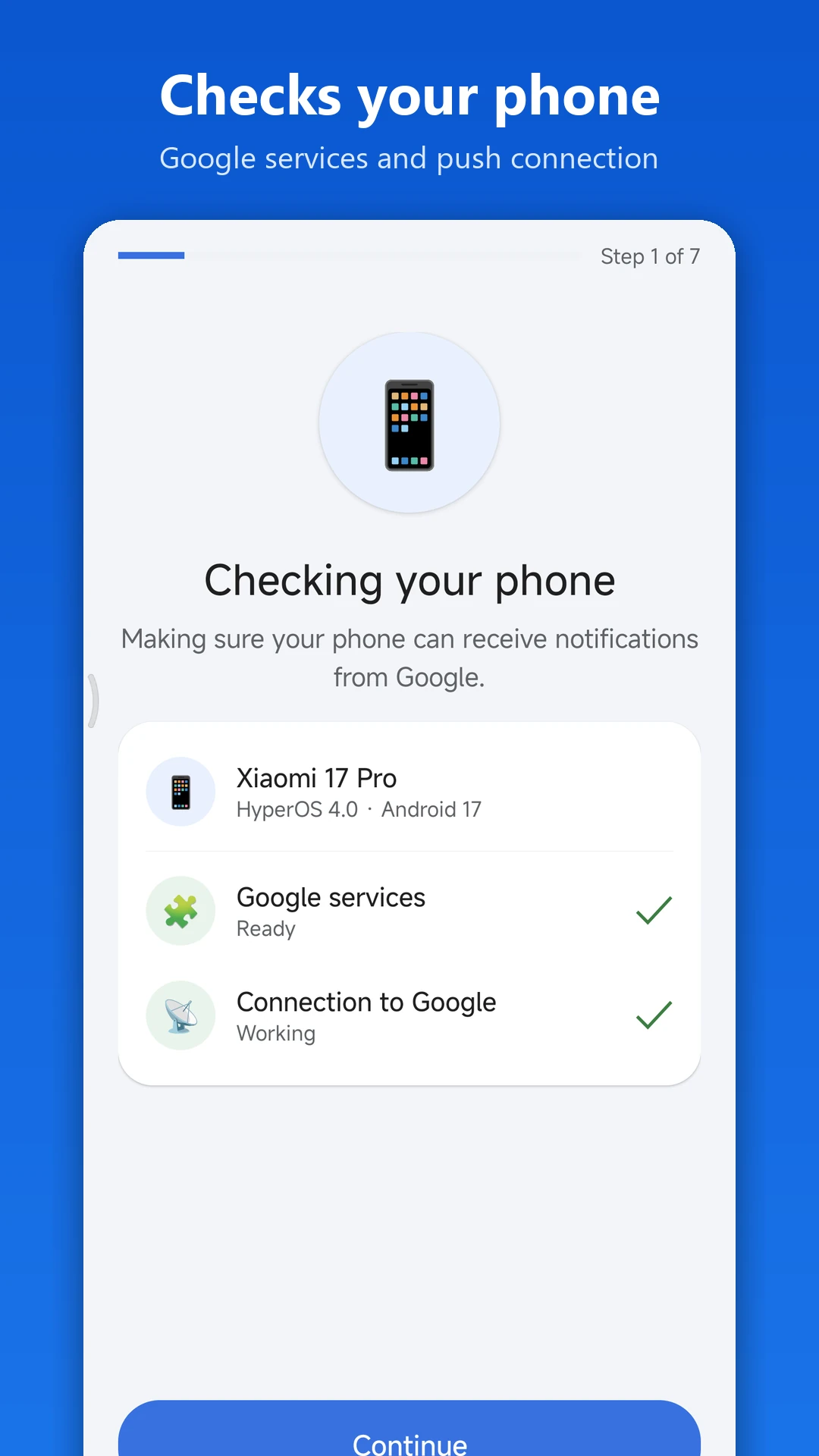
Check your phone
PushGuard checks that Google services are ready and that your phone can reach Google's push server. If something is missing, it shows you how to turn it on.
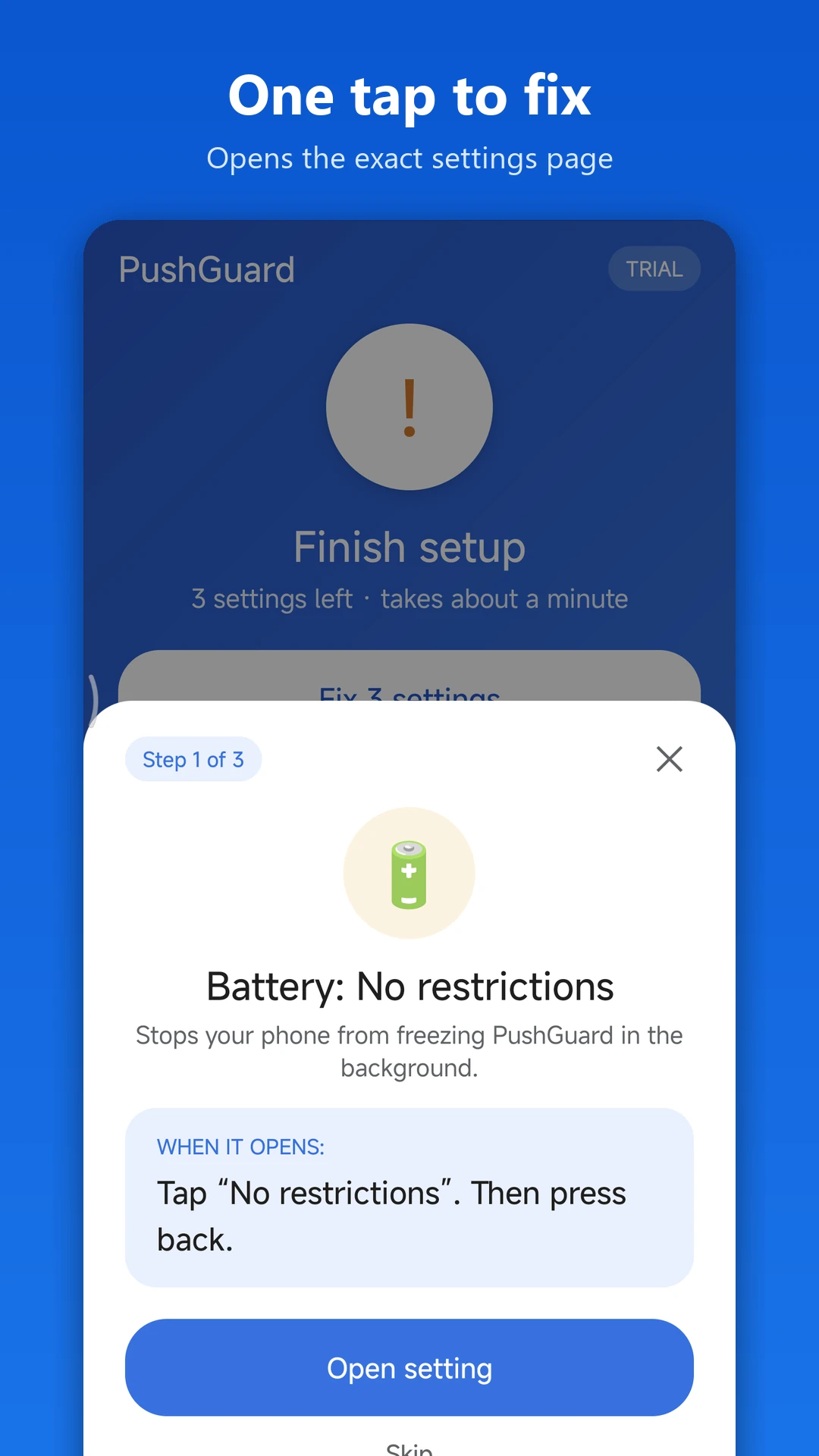
One tap per setting
A clear card says what to tap – "Tap No restrictions, then press back" – and opens the exact page. Flip the switch, come back, the next card appears.
Stay protected
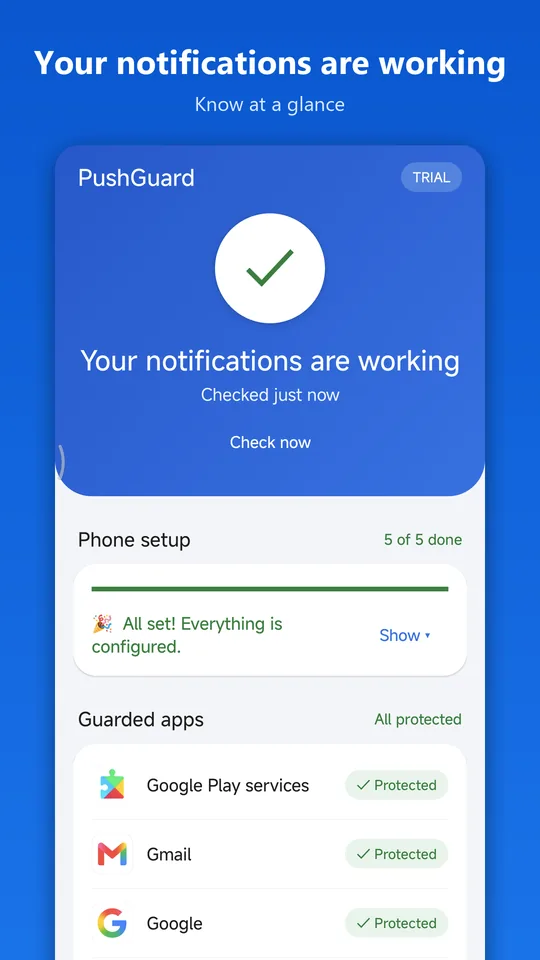
See "Your notifications are working" at a glance. With Premium, PushGuard keeps watching 24/7, reconnects automatically and warns you if anything breaks.
Features
Everything you need, nothing you don't
Guided setup
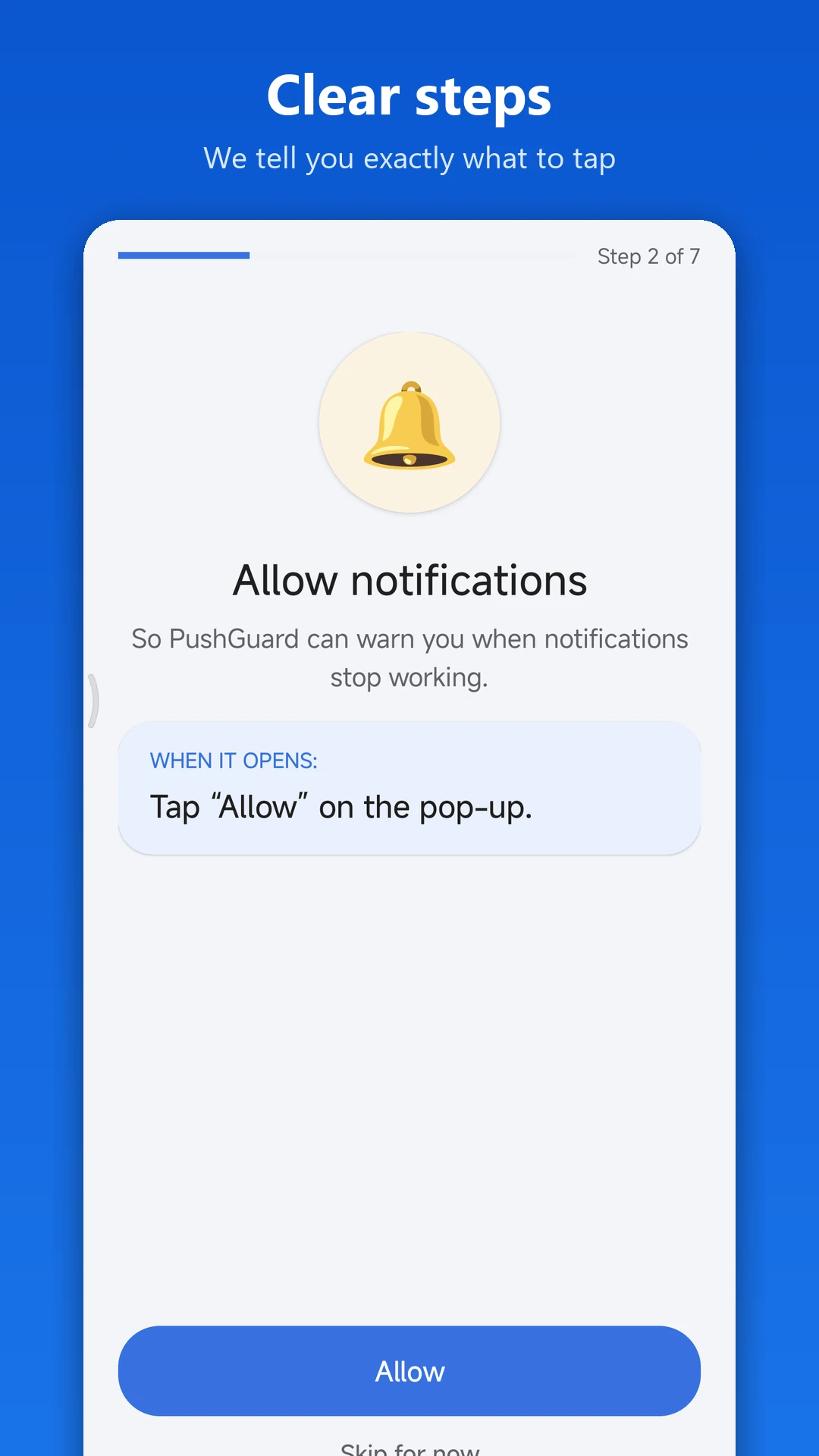
Battery "No restrictions", Autostart, notifications, alarms and Recent-apps lock – explained in plain words.
One-tap shortcuts
Opens the exact settings page on your phone instead of making you hunt through menus.
Connection check
Tests whether your phone can reach Google's push server right now.
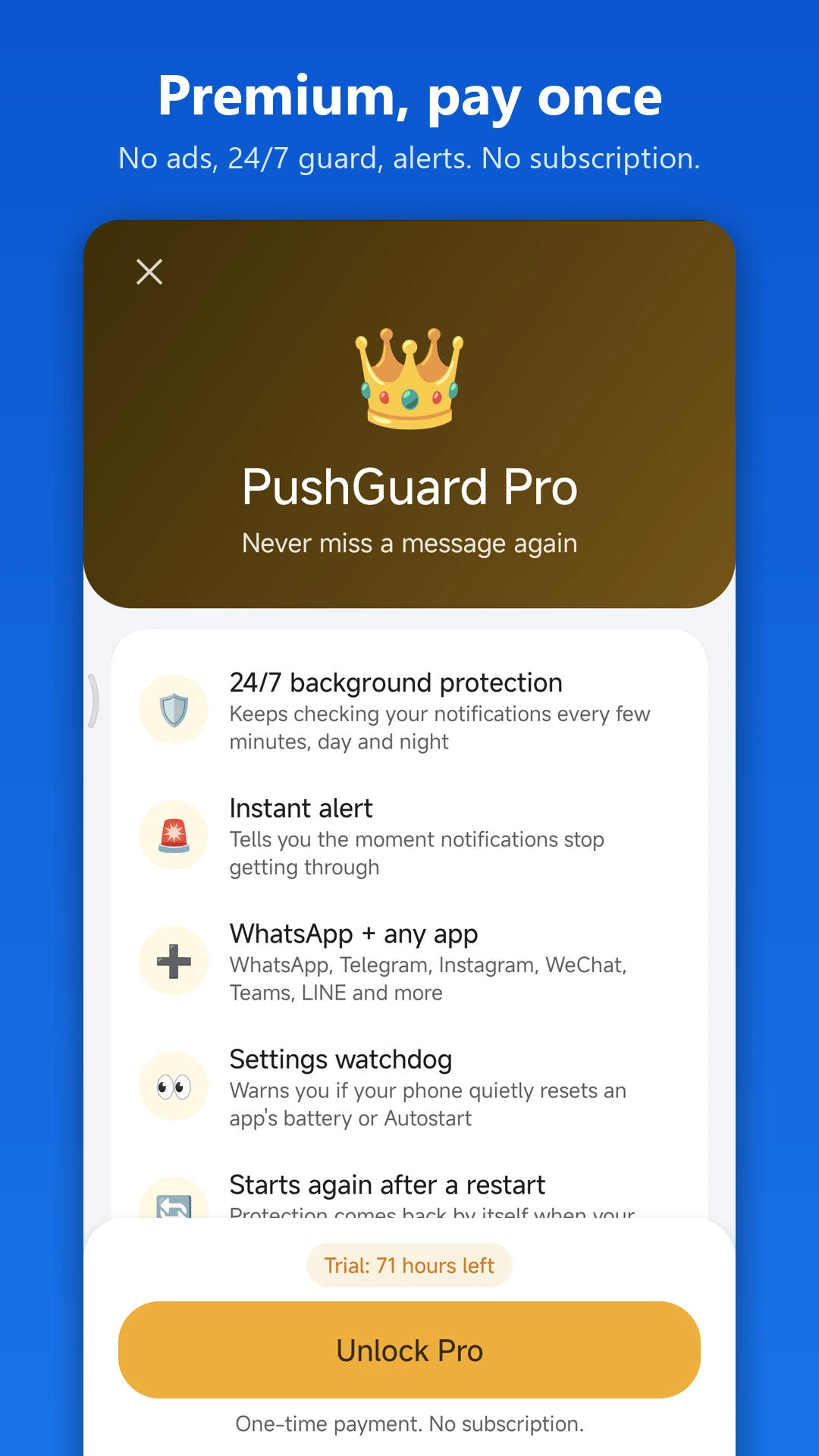
24/7 protection Premium
Checks every few minutes, nudges Google Play services to reconnect and starts again after a reboot.
WhatsApp + any app Premium
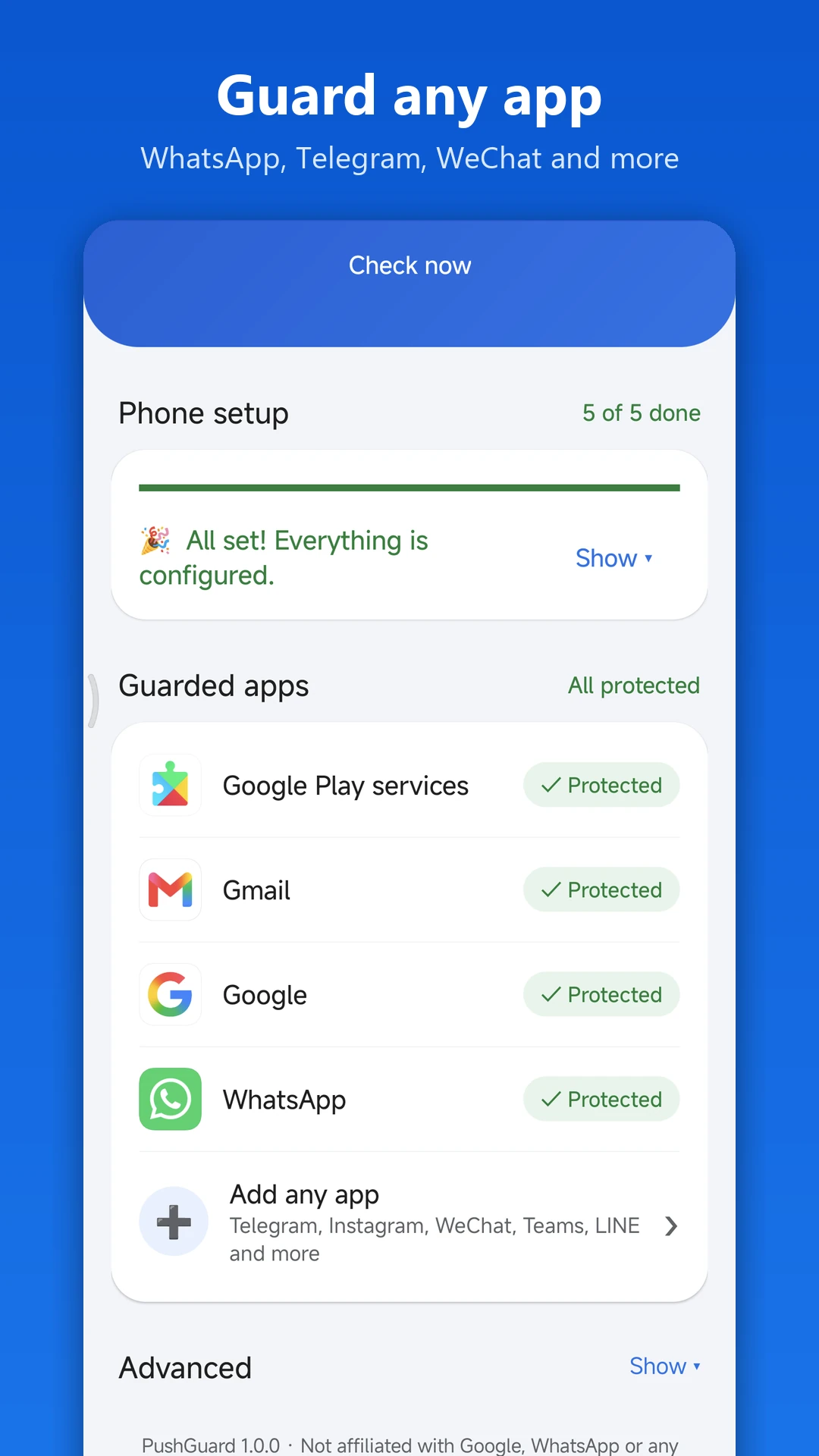
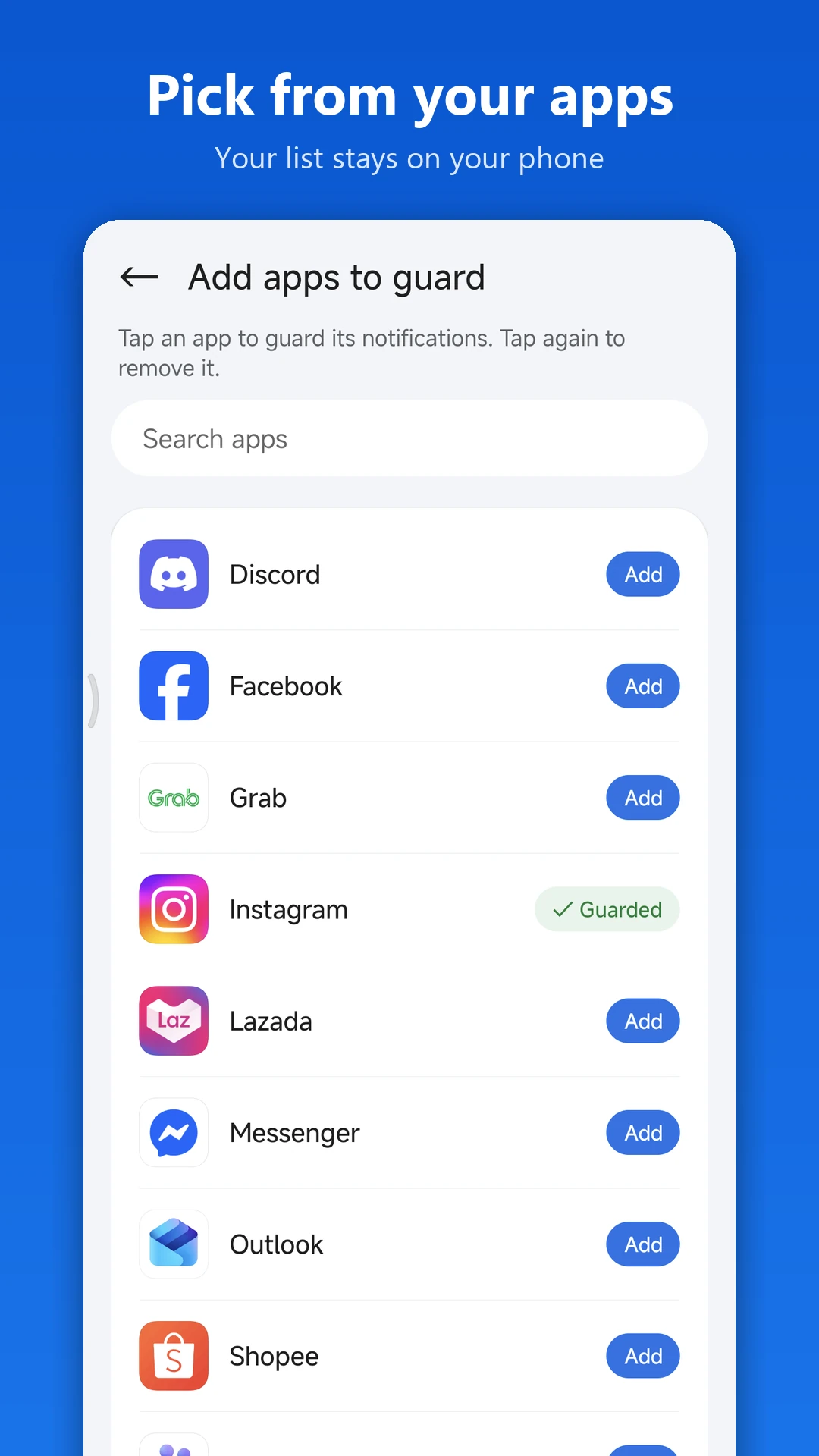
Guard WhatsApp, Telegram, Instagram, WeChat, Teams, LINE or any app on your phone.
Settings watchdog Premium
Warns you if your phone quietly resets an app's battery or Autostart setting – which some phones do after updates.
Screenshots
Simple from the first screen
Pricing
Free to fix. Pay once to stay protected.
No subscription. Try Premium free for 3 days first – nothing is charged when the trial ends.
Free
Fix your Google notifications
- Guided setup with one-tap fixes
- Google Play services, Gmail and Google
- Manual "Check now"
- One small banner ad on the home screen
- No 24/7 protection or alerts
Premium 👑
One-time purchase · about US$2.99 elsewhere
- No ads
- 24/7 background protection
- Instant alert when notifications stop getting through
- Auto-reconnect and restart after reboot
- WhatsApp + any app (Telegram, WeChat, Teams…)
- Settings watchdog
Works on Android 8 and newer
Best one-tap support on Xiaomi, Redmi and POCO phones (HyperOS and MIUI, including China ROM). On other brands PushGuard guides you through the standard Android settings.
Private by design
No account and no sign-in. PushGuard never reads your notifications or messages, and the list of apps you guard stays on your phone. Privacy policy
Questions
Does PushGuard read my messages?
No. PushGuard has no notification access and cannot see your messages, emails or notifications. It only checks your phone's settings and whether Google's push server is reachable.
Is Premium a subscription?
No. Premium is a one-time purchase through Google Play – pay once and keep it. You can try it free for 3 days first, with nothing charged when the trial ends.
Does it guarantee every notification arrives instantly?
No app can promise that – delivery also depends on the sending app, your network and your phone maker. PushGuard fixes the settings that most often delay notifications, watches the connection and tells you when something is wrong.
My phone is a China ROM without Google services. Will it work?
PushGuard detects this and shows you how to switch on Google services (for example: Settings → Additional settings → Google services) and where to get the Play Store. Google Play services must be installed and enabled for Google push notifications to work.
Will it drain my battery?
Very little. Checks are tiny network tests every few minutes (you choose 3–15 minutes). The settings PushGuard changes let your apps receive notifications – which is what they're supposed to do.
I bought Premium on another phone. How do I get it back?
Open PushGuard → Premium → "Restore purchase" while signed in with the same Google account you used to buy.
How do I get a refund?
Purchases are handled by Google Play. You can request a refund through Google Play's refund process, or email us and we'll help.
Never miss a message again.
Free download. Fix your notifications in about a minute.
Get it on Google Play